Text to Speech Online
Convert text into natural-sounding speech instantly. This text to speech tool lets you generate realistic AI voices, listen online, and download audio in MP3 format. Perfect for voiceovers, videos, accessibility, audiobooks, and content creation.
Generate speech in a few easy steps
Convert text to speech easily: select an AI voice, add your text, then convert and download for videos or audio projects.
Select an AI voice
Choose a voice the type of voice you prefer that suits your project.
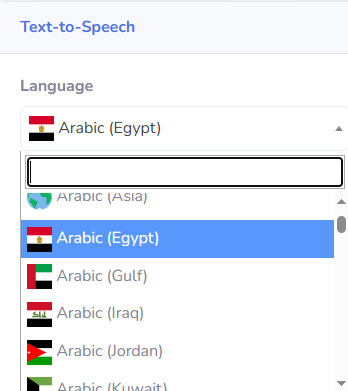
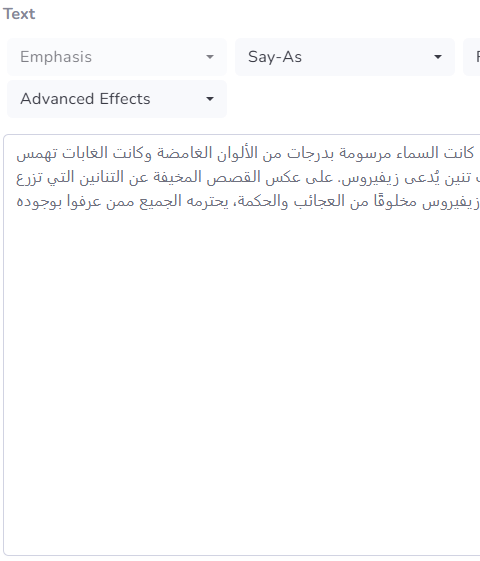
Enter the text
Write the script or paste something you have already written into the script box.
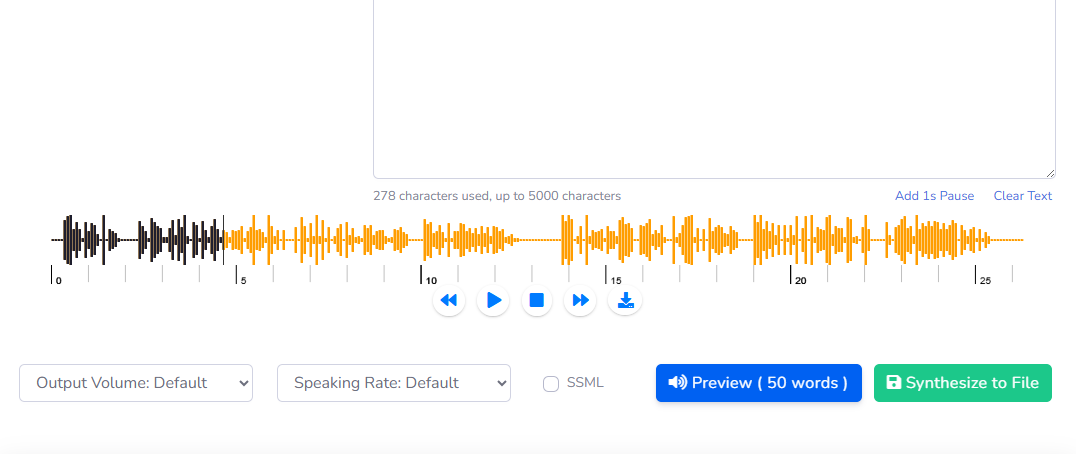
Convert and download
Convert the text to speech when you're ready, and then you can download it for use in other video and audio projects.
Use Cases for AI Text-to-Speech
Explore multiple ways to leverage AI-generated speech in your projects, from podcasts and audiobooks to gaming, video voiceovers, and accessibility solutions.

Podcasts
Create professional podcasts quickly with AI voices, saving time while maintaining engaging high-quality audio content for your audience.

Audiobooks
Convert books into captivating audiobooks using natural AI voices, perfect for readers who prefer listening over reading for learning or entertainment.

Gaming
Enhance gaming experiences with AI-generated character voices, dialogues, and narration, immersing players in your interactive worlds seamlessly.
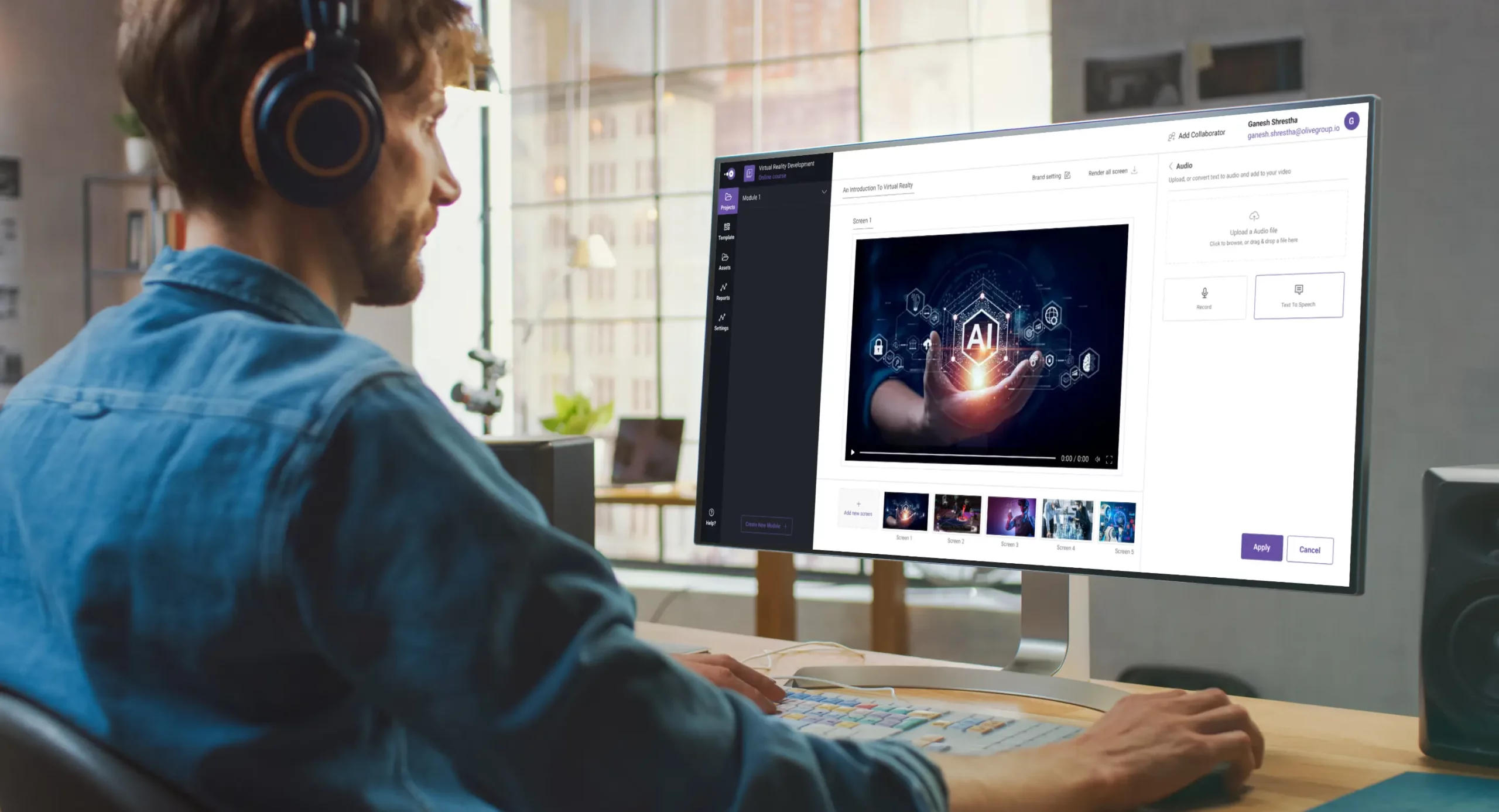
Video Voiceovers
Add professional AI voiceovers to videos, tutorials, and marketing content, saving production time while keeping a natural, human-like tone.

Accessibility
Improve accessibility for visually impaired users by converting text into clear, high-quality AI speech, making your website or app inclusive.
Create voice in over 120 languages and a wide range of accents.
Frequently Asked Questions
Text to speech is a technology that converts written text into natural-sounding audio using AI voices. It analyzes text, applies pronunciation rules, and generates speech with realistic tone and intonation.
You can use text to speech online by simply pasting your text into a tool, selecting a voice, and clicking convert. Many platforms offer free plans with daily limits and downloadable audio.
The best text to speech tool provides realistic AI voices, multiple languages, fast processing, and customization options like speed and pitch. Texvoz is designed to deliver high-quality audio for different needs.
Yes, most text to speech tools allow you to download the generated audio in formats like MP3. This makes it easy to use the audio in videos, podcasts, or presentations.
Modern text to speech technology uses advanced AI models to produce highly accurate and natural voices. The quality depends on the engine and voice you choose.
Text to speech tools support many languages including English, Spanish, Arabic, Chinese, and more. This allows users to generate audio content for global audiences.
Yes, text to speech is widely used for YouTube videos, podcasts, audiobooks, and social media content. It helps creators produce voiceovers quickly without recording their own voice.
To improve text to speech quality, use well-written text, choose a high-quality voice, adjust speed and tone, and test different settings for the best results.
Yes, text to speech improves accessibility by helping people with visual impairments or reading difficulties understand written content through audio.
Text to speech saves time, reduces costs, and allows you to create professional voiceovers instantly. It is ideal for business, education, and digital content creation.